CRA-readiness evidence, reports and controlled follow-up for connected-product teams
PAXECTReadiness
Home / CRA Knowledge Hub / Evidence to controlled fixing
Cyber Resilience Act / Evidence workflow

From product evidence to controlled fixing: a practical CRA-readiness route

Connected-product teams need a route from what is found to what happens next. This article explains how product evidence can move into Readiness Reports, an Evidence Dossier, Supplier Requests, Remediation Guidance, approved fixing or remediation, validation and reviewable proof context.

The point is not to promise automatic compliance or automatic repair. The point is to make product evidence, missing information, customer approval and follow-up decisions easier to understand and review.

Evidence-first. Customer-approved. Built for product, security and compliance teams.

Key points

  • This article covers the full product-evidence-to-controlled-fixing route.
  • A Readiness Report should be a step in the workflow, not the end of the workflow.
  • Supplier Requests are useful when missing supplier evidence blocks a product-specific decision.
  • Remediation Guidance should support review and decision-making before any approved action starts.
  • Controlled fixing or Managed Remediation must remain customer-approved, validated and reviewable.

Why teams need a route beyond a report

For importers, manufacturers and connected-product teams, CRA-readiness can become practical before it becomes comfortable. A team may have a product, firmware, software, app evidence, supplier files or technical findings, but still lack a clear route for deciding what the evidence means.

The practical question is simple: what do we know about this connected product, what is missing, which findings need follow-up and what action is approved?

A static report can help, but it is only one step. Product teams also need evidence context, supplier follow-up, remediation guidance, approval records, validation and a later proof or audit context. Without that route, findings can remain visible but unresolved.

The Cyber Resilience Act applies to hardware and software products with digital elements made available on the EU market. The European Commission describes rules for economic operators and essential cybersecurity requirements that manufacturers must consider during design, development, production and the expected use period. Importers and distributors remain part of the supply-chain responsibility picture.

Source: European Commission CRA summary

The PAXECT route from evidence to controlled fixing

This route connects the main evidence and follow-up stages. The sequence is not a legal checklist and not a promise that every product fits every step. It is a practical working route for connected-product teams that need a clearer path from product evidence to responsible follow-up.

Connected product evidence route with firmware, software and technical signal context
Product evidence starts with the connected product, its firmware, software and technical signals.
1

Product evidence

Start with the product in front of the team: model, version, firmware, software, app evidence, package context, update route, support information and relevant supplier-managed digital elements. Product evidence gives the workflow a concrete starting point.

2

Readiness Report

A Readiness Report should describe what was reviewed, what was visible, which findings need attention and where evidence is missing. It supports review; it does not replace customer, manufacturer, importer or distributor responsibility.

3

Evidence Dossier

The Evidence Dossier keeps product context, reports, supplier evidence, response dates and unresolved points together. The goal is to make the evidence trail reviewable instead of leaving it across separate files and messages.

4

Supplier Requests

When a finding or missing record depends on supplier input, a Supplier Request carries the product-specific question forward. This should be focused: which model, version, evidence gap or response is needed?

5

Remediation Guidance

Remediation Guidance helps teams understand possible follow-up direction after a finding or evidence gap. It is guidance for responsible review, not legal advice, not automatic fixing and not a compliance decision.

6

Approved fixing or Managed Remediation

If a follow-up action is suitable, it should be explicitly approved, scoped and recorded before action starts. Controlled fixing remains a managed route, not an autonomous repair claim.

7

Validation, proof and audit context

After action, teams need to record what changed, what was validated and what remains open. That validation and proof context helps later review, supplier discussion and internal decision-making.

Validation records and proof context for approved follow-up
Approved follow-up only becomes useful when validation, records and proof context remain reviewable.

Product fit comes before the workflow

The evidence-to-fixing route only works when the right starting route is chosen. Some products may fit a Scanner Box evidence route. Others may need evidence review, supplier-question follow-up or staged validation before technical scanning makes sense.

This article does not replace the product-suitability topic. It only sets the boundary: PAXECT does not claim that every device, operating system, file type or product category is automatically supported.

The important point is that evidence and follow-up must stay connected to the product context. A workflow loses value if a finding cannot be linked back to a product, version, supplier record, customer approval or validation result.

Why the collection route matters

PAXECT Readiness is not designed as a generic desktop scanner. It is built around product evidence, reviewable reporting and controlled follow-up. That makes the collection route important.

A software-only tool can be useful for quick checks, uploads or lighter evidence intake. Many small teams start there because it is fast and easy: install a tool, run a scan, export a result. For early internal review, that can be enough.

But when evidence may later need to be explained, reviewed or connected to supplier follow-up, the scan environment starts to matter. Different laptops, operating systems, permission settings, local security tools, dependencies and user behaviour can all affect how a scan is run and how easy the result is to trust afterwards.

That is why PAXECT Readiness uses a controlled local Scanner Box route for situations where stronger evidence handling is needed. The appliance provides a more consistent environment for collecting product, firmware, software, app or device context. PAXECT uses a Linux-based appliance because many security, firmware, network and automation tools are easier to control in a managed OS environment. Tooling, configuration, logging, services, updates and evidence transfer can be managed as part of the PAXECT workflow instead of depending only on a customer workstation.

The Cloud Workspace then gives that local evidence a structured place to land: Readiness Reports, Evidence Dossier context, Supplier Requests, Remediation Guidance, approved follow-up and later validation or proof context. In this setup, the Scanner Box is the controlled local collector, while the Cloud Workspace is the reporting, dossier and follow-up layer.

This does not mean every product needs a Scanner Box route. It also does not mean the appliance proves CRA compliance. Some situations may fit a lighter software or upload-based route. The point is that PAXECT can support different evidence routes depending on the product, risk, evidence need and review context.

For higher-trust connected-product evidence, a controlled local collection route can provide a stronger foundation than an ad-hoc desktop scan alone.

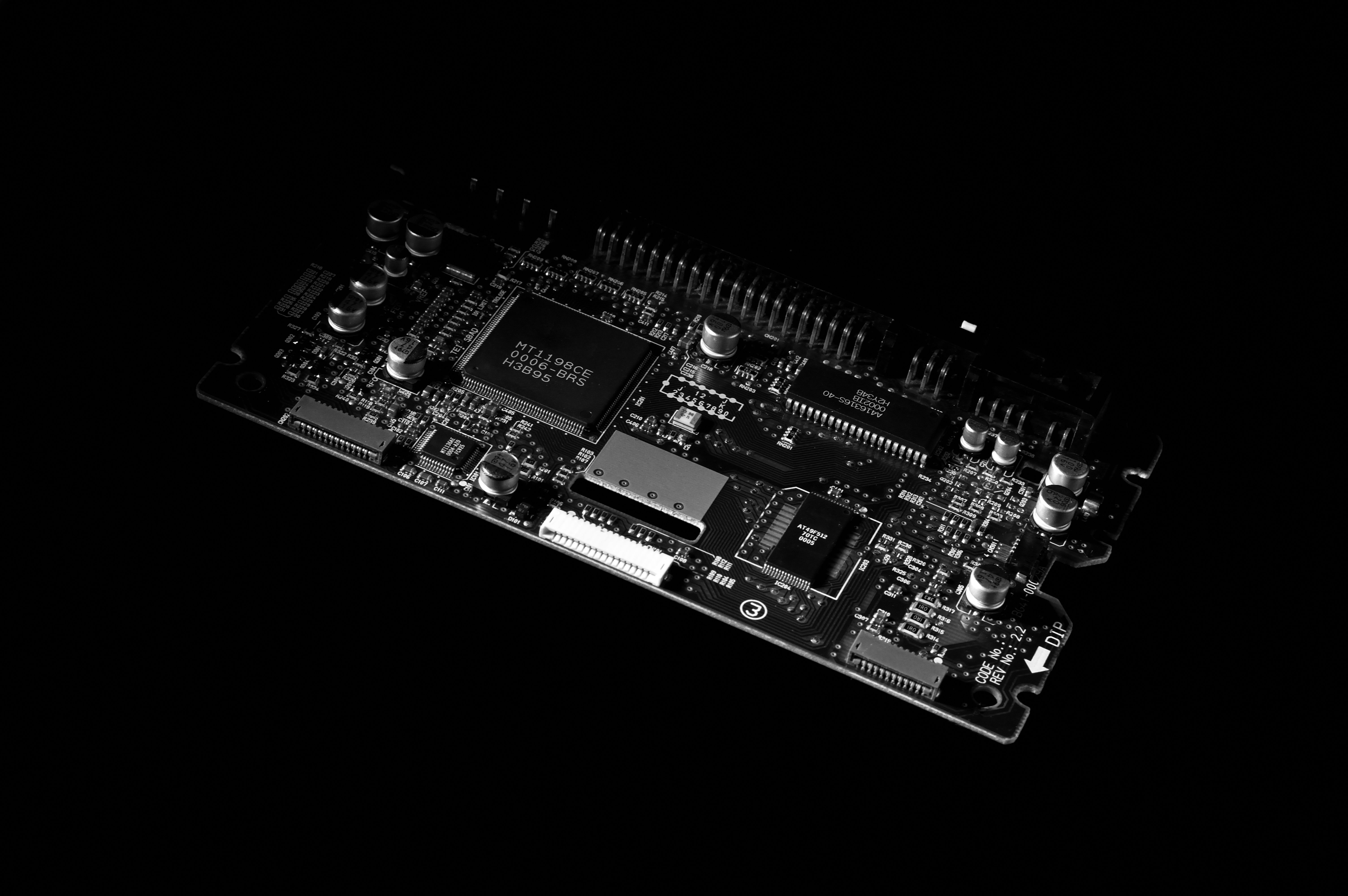
What each block contributes

Each part of the route has a different role. This prevents the workflow from becoming only a report, only a supplier-question process or only a fixing discussion.

Product evidence

Defines what is being reviewed and prevents generic findings from floating without product context.

Readiness Report

Turns visible signals, findings and missing evidence into a structured review object.

Evidence Dossier

Keeps supporting files, responses, dates and unresolved points in a reviewable evidence record.

Supplier Requests

Moves supplier-dependent gaps into specific questions without making supplier follow-up the whole article.

Remediation Guidance

Explains follow-up direction for responsible review without claiming legal certainty or automatic repair.

Approved action

Separates guidance from controlled fixing, customer approval, scope and validation.

CRA reporting pressure makes evidence timing more important

The CRA entered into force on 10 December 2024. The main provisions apply from 11 December 2027, while reporting obligations apply from 11 September 2026.

The European Commission explains that manufacturers must notify actively exploited vulnerabilities and severe incidents affecting the security of products with digital elements. PAXECT does not replace that reporting duty. The responsibility to assess, decide and report remains with the manufacturer or responsible organisation.

Where a readiness workflow can help is the evidence and follow-up chain: what was found, when it was found, which product or component was affected, which supplier question was needed, which mitigation or fix was considered, whether the customer approved follow-up, whether the change was validated and what remains open.

Sources: European Commission CRA summary and European Commission CRA reporting page

Vulnerability handling and controlled follow-up

Findings should not sit in a report forever. If a vulnerability, weak update route, missing support-period record or supplier evidence gap matters to the product, the workflow should show what happens next.

ENISA describes coordinated vulnerability disclosure as a mechanism that supports disclosure after responsible parties have developed a fix, patch or mitigation measure to limit the threat posed by a vulnerability. For a readiness workflow, that source context supports the idea of a controlled follow-up route, not a claim that PAXECT performs legal reporting or forces supplier action.

For product teams, the useful question is whether the organisation can trace a finding from initial evidence to decision: assessed, assigned, supplier input requested where needed, guidance reviewed, action approved where suitable, then validated and recorded.

Source: ENISA vulnerability disclosure

Protected evidence handling stays high-level in this route

Evidence handling must be controlled, especially when reports, findings or supplier context contain sensitive product information. For this route, the high-level message is enough: evidence should be collected, transferred and reviewed in a controlled way, with identity, integrity and audit context where applicable.

Detailed Document Vault, protected-evidence storage, AEAD and PAXECT Link explanations belong in a dedicated protected-evidence topic. Keeping that boundary prevents this article from becoming a technical storage article.

What PAXECT does not claim

PAXECT Readiness supports evidence workflows, reports, supplier follow-up and remediation guidance. It does not certify CRA compliance, provide legal advice, guarantee compliance, validate supplier answers automatically or replace the responsibilities of manufacturers, importers, distributors, customers or other economic operators.

Any fixing or Managed Remediation route requires explicit customer approval, defined scope, appropriate review and validation.

Practical next steps

1. Identify the product and version

Record the exact product, model, hardware revision, firmware, software, app or package context that the evidence route should cover.

2. Build a Readiness Report from reviewable evidence

Use technical and product evidence to show what was visible, what was missing and which findings need attention.

3. Keep evidence and supplier records together

Use an Evidence Dossier approach so product context, files, supplier responses, dates and unresolved points stay connected.

4. Route missing supplier input through focused requests

Ask product-specific supplier questions only where supplier evidence is needed for the next decision.

5. Move guidance into approved and validated follow-up

Use Remediation Guidance to support review, then require explicit approval and validation before treating any action as complete.

FAQ

Is this route mainly about product evidence or fixing?
It is about the route between them. Product evidence helps teams understand what is visible, what is missing and what may need follow-up. Fixing or Managed Remediation only comes later, when a suitable action is explicitly approved, scoped, reviewed and validated.
Does a Readiness Report end the workflow?
No. A Readiness Report is a review step, not the end of the workflow. The route may continue into an Evidence Dossier, Supplier Requests, Remediation Guidance, approved follow-up and later validation or proof context.
Where do Supplier Requests fit?
Supplier Requests fit where a finding or missing record depends on supplier evidence. They should carry a focused, product-specific question forward without turning the whole workflow into a supplier-question process.
When does guidance become approved follow-up?
Guidance becomes follow-up only when the customer has reviewed the context, approved the scope and accepted that the action should move forward. Any fixing or Managed Remediation route must remain controlled, reviewable and validated.
Where can readers find the broader claim boundaries?
The broader boundaries around CRA certification, legal advice, compliance guarantees, automatic fixing and responsibility are handled in the main claim-boundaries section.

Build a clearer evidence workflow for connected products.

Move from product evidence to reports, supplier follow-up, protected evidence handling and remediation guidance.